Costs
Social media privacy check: what a scammer sees before they message you
An audit of what your profile shows strangers, plus red flags, verification badges, impersonation monitoring and data broker opt-outs in the US and Canada.
What to take away
- A stranger often reads your profile before sending a first message, so the audit comes before the reply.
- Five settings carry most of the weightfriends list visibility, contact searchability, tagged photos, public posts and follower lists.
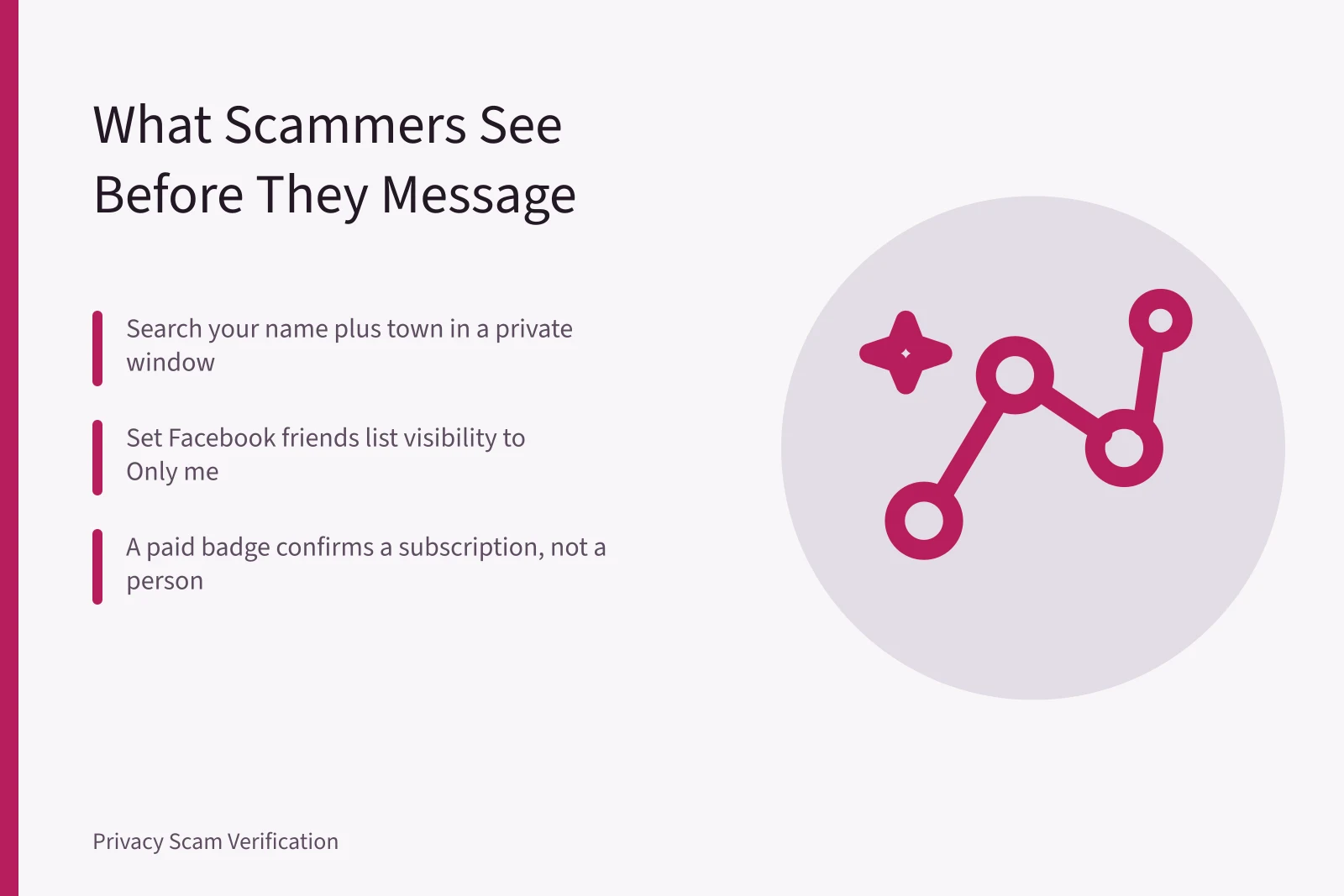
- A paid verification badge confirms a subscription, not a person. Ask for a live video call.
- Hiding a detail is not deleting it. Data brokers hold copies you never handed over.
What a stranger sees on your public profile
Most scam messages do not arrive blind. The sender has already matched your name, photo and city to a search result. A social media privacy check is the step that comes before suspicion, not after it.
See your public profile
- Open a private browser window
- Search your full name plus town
- Open your profile logged out
- Use Facebook View as public
- Screenshot what loads
Open a private browser window and search your full name plus your town. Then open your own profile as a logged-out visitor. Facebook offers a "View as" tool for the public view.
Screenshot what loads. That image is the file a stranger works from, and it is usually wider than people expect.
The five-step profile audit
Five-step profile audit
- Hide friends list to Only me
- Turn off contact discovery
- Switch account to private
- Strip location and employer
- Request removal of photo copies
- Hide your friends list. On Facebook, open Settings, then Privacy, then "Who can see your friends list" and set it to Only me.
- Turn off contact discovery. Instagram, X and TikTok each have a toggle that lets people find you by phone number or email.
- Switch the account to private. Instagram has Private account, X has Protect your posts, and TikTok has Private account.
- Strip location from bios, captions and camera settings, and remove your employer from any public profile.
- Check Google Images for your profile photo, then request removal of copies you did not post.
Profile visibility by platform
Often visible without a login
- Profile photo, cover photo, public posts
- Bio, follower counts, tagged photos
- X
- Posts and replies
- TikTok
- Videos, following list, liked videos
- Job history, connections, contact details
Setting worth changing
- Friends list set to Only me
- Private account, tags limited to people you follow
- X
- Protect your posts
- TikTok
- Private account, account suggestions off
- Public profile visibility and search indexing off
What scammers do with the details they collect
A copy of your profile photo, your employer and three names from your friend list is enough to message your contacts as you.
Impersonators rarely need more than that. They open a second account, reuse the photo, and message people who recognize the face. The first message usually carries a link, a request or a story about a lost phone.
Example: how a catfish builds a target list
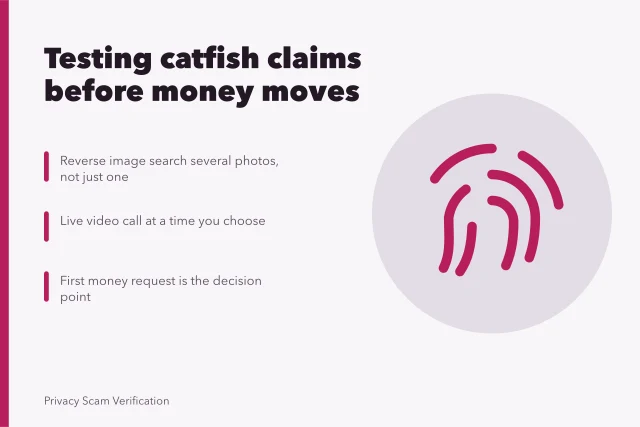
A new account follows twelve people from one workplace, copies a public photo, and messages those coworkers with a friendly opener. The red flags arrive early: refusal to video call, a number that only accepts texts, and a push to move to WhatsApp or Telegram within a day. The final stage is an emergency that ends in gift cards or crypto.
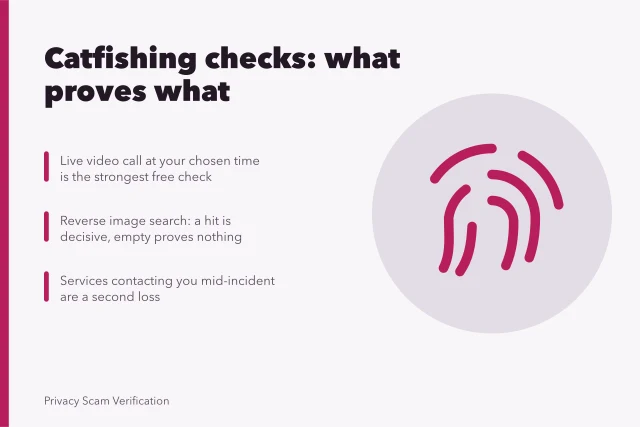
Catfish red flags are cheap to test. A comparison of catfishing detection tools sorts them into checks that prove a real person is present, checks that prove a photo is reused, and checks that prove nothing at all.
Identity verification and impersonation monitoring
Meta Verified and X Premium sell badges through monthly subscriptions, billed higher inside mobile app stores than through the web. Neither badge checks a birth certificate or a government record.
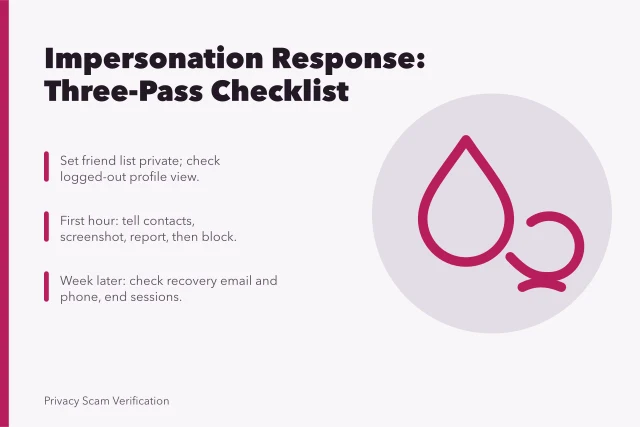
Monitoring services such as BrandYourself, ZeroFox and Aura appear among paid impersonation monitoring tools and watch for copies of your profile. Four free habits cover most of the same ground, so compare before you pay.
If a fake account opens credit or benefits in your name, FTC identity theft resources explain how to report it and start a recovery plan.
Data brokers, opt-outs and US state laws
Data brokers sell the phone number, address and relatives list that make a first message look informed. California and other states now grant deletion rights, and requests are usually free, though repeat or excessive ones can carry a fee.
The data broker opt out rules differ by state, so check which agency enforces a request and what a broker must disclose. The FTC guide on protecting your privacy online covers broker listing opt-outs and ad targeting controls.
Canada: PIPEDA, complaints and romance fraud
In Canada, PIPEDA breach reporting duties apply when a company loses your data, and individuals can complain to the Privacy Commissioner of Canada.
Romance fraud aimed at older adults follows a similar profile pattern. Families in Nova Scotia can read Halifax romance scams for the pattern and for the reporting routes open to victims.