Costs
Social Media Privacy and Identity Verification: What US Users Should Check Before They Verify
A checklist for US and Canadian social media users facing identity verification requests, covering prices, PIPEDA consent, data grabs and 2027 account security.
What to take away
- Genuine verification starts with something you didan appeal, a paid subscription, a payout setup or an age check.
- An identity verification request scam arrives unprompted, adds a deadline, and pushes you out of the app.
- Canadian law under PIPEDA requires consent for face and ID data, plus breach reporting when there is a real risk of significant harm.
- Privacy settings control who sees a post, not what is already stored, scraped or shared with partners.
- The recovery email is the first account to secure, followed by a passkey and a cleanup of connected apps.
Genuine checks compared with a data grab
Genuine verification
- Trigger
- You applied, appealed or joined a payout program
- Vendor
- Named company with a privacy notice
- Data asked for
- One document or one short selfie video
- Timing
- Days to respond, no countdown
Likely data grab
- Trigger
- A message arrives with no prior history
- Vendor
- "Our security team," no company named
- Data asked for
- ID, selfie, card photo and a Social Security number
- Timing
- Minutes, or the account is gone
Meta Verified has been sold in the United States at roughly $12 a month on the web and about $15 through the mobile app stores. Expect a named vendor such as Jumio, Onfido, Persona, Veriff or Incode. If nobody can name the vendor, stop the conversation.
Genuine Check vs Data Grab
Signal
- Trigger
- You applied or appealed
- Vendor
- Named company, privacy notice
- Data asked
- One document or selfie
- Timing
- Days, no countdown
Genuine verification
- Trigger
- Message with no history
- Vendor
- No company named
- Data asked
- ID, card, SSN
- Timing
- Minutes or account gone
Likely data grab
- Trigger
- Vendor
- Data asked
- Timing
The FTC identity theft resources explain how a phishing page clones a real login screen and collects the selfie and the ID in one pass.
A checklist before you send a photo of your ID
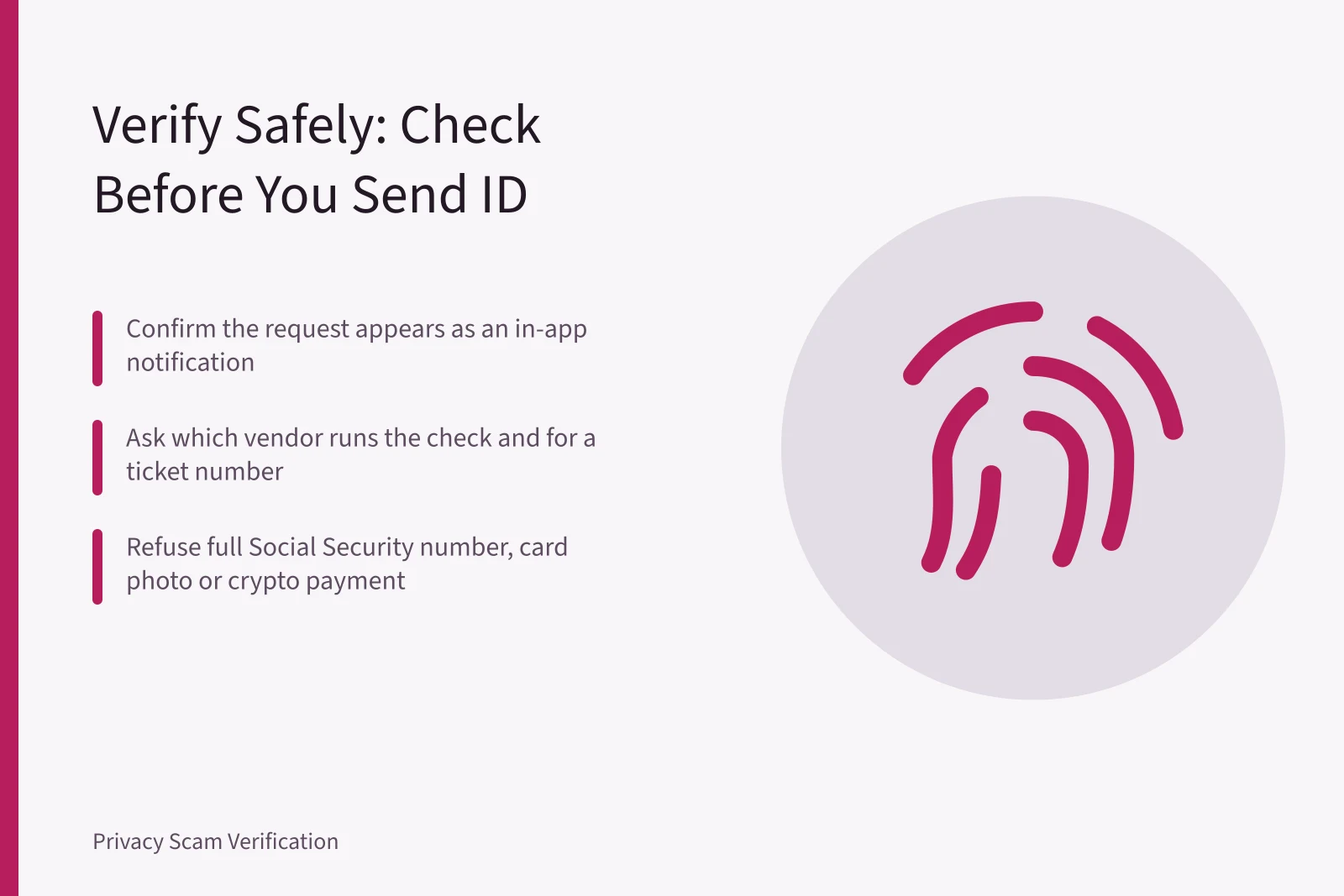
- Confirm the request shows up as a notification inside the app, not only in a message.
- Check the domain in any link against the company's own support page.
- Ask which vendor runs the check and for a case or ticket number.
- Read the retention line and screenshot it before you continue.
- Refuse any request for a full Social Security number, a card photo or a crypto payment.
A real process survives all five steps. A scam usually fails at step one or step three, because the sender cannot point to a system you can inspect yourself.
Five Checks Before Sending ID
- Confirm request is in-app notification
- Check link domain against support page
- Ask vendor name and ticket number
- Screenshot retention line before continuing
- Refuse SSN, card photo, crypto payment
PIPEDA consent and three provincial statutes
Canada's federal law applies to private sector organizations that collect, use or disclose personal information in commercial activity. The Office of the Privacy Commissioner overview of PIPEDA sets out consent rules and mandatory breach reporting for breaches that create a real risk of significant harm. Individuals can file a complaint with the OPC.
Provincial rules matter too. British Columbia, Alberta and Quebec each have their own private sector statute, and Quebec's Law 25 adds stronger consent and transparency duties. That is why the face match app privacy law in Canada deserves a separate read, with PIPEDA as the federal floor and the provinces filling in the rest.
If you work from Vancouver for a US platform or employer, the split gets harder. Vancouver remote workers on US platforms deal with PIPEDA, BC PIPA and US contract terms at once, and those terms decide where the data sits and who can reach it.
Example: a face match request in a direct message
"We flagged your account for a copyright complaint. Complete a face match at this link within 30 minutes or the account will be removed."
Is This Face Match Request Real?
Does the request start inside the app or verified domain?
Real appeal process
Scam, do not click
Three problems sit in that message. The consequence is invented, the link sits outside the app, and the deadline prevents checking. Meta, TikTok, X and LinkedIn run appeals inside their own products. A face match request from any of them starts in the app or in an email from the company's verified domain.
Privacy settings and the layers they miss
The privacy settings that matter control reach rather than outcomes, because audience, platform retention and third party access are three separate layers. You can set a post to friends only and still have the platform keep it, index it, or pass it to a partner under its terms.
Opting out is a separate job. The FTC guide to protecting your privacy online walks through data broker opt-outs, and California's Delete Act created the Delete Request and Opt-out Platform, known as DROP, with a January 1, 2026 deadline for brokers to process deletion requests filed through it.
Account security questions that matter in 2027
The account security questions are now asked in a different order than they were five years ago. Passkeys, built on the FIDO standard, have replaced passwords on many Google, Apple and Microsoft accounts. NIST SP 800-63B treats SMS codes as a weaker authenticator.
SIM swap is the other front. The FCC adopted rules in 2024 that require wireless carriers to use secure authentication before a number moves to a new device or carrier. AT&T, Verizon and T-Mobile all offer a number lock or port freeze inside their account settings.