Costs
Part of A working brief on identity verification
Identity verification beyond the obvious
Identity verification from the side being verified: which requests are legitimate, how to complete one safely, and the four that should always be refused.
Being asked to prove who you are is now routine, which is exactly why it works as a way to collect things from you.
The useful question is never whether verification is reasonable in general. It is whether this request, arriving this way, from this direction, is one you should complete. This page is about answering that in about a minute, and about completing the legitimate ones without leaving more behind than necessary.
What to take away
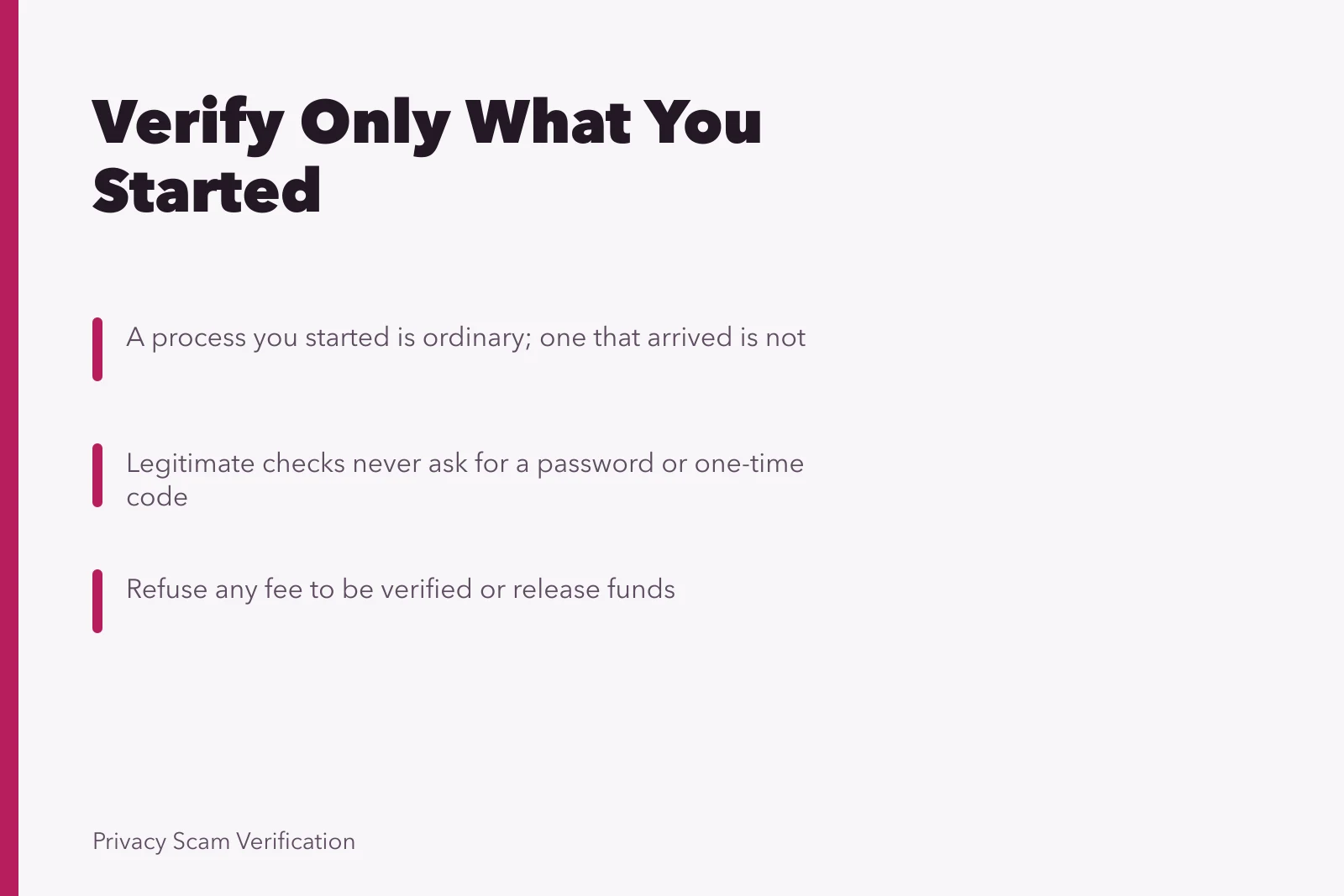
- Direction decides almost everythinga process you started is different from one that arrived.
- A legitimate check asks for identity. It never asks for a password, a one-time code, or remote access.
- Where the request is real but the route is unclear, go to the organization yourself and start again.
The first question: who started this
Verification you initiated, inside an account you opened, on a site you reached by your own bookmark, is ordinary. Complete it.
Verification that arrives by message or call, with a reason and a deadline, is different no matter how plausible it sounds. The correct move is not to decide whether the message is genuine.
Leave the channel entirely: open the app you already have, or call the number on your card or statement, and ask whether anything is needed. If it was genuine, you lost a minute; if not, you lost nothing at all.
That single habit handles most of this subject, and it does not require you to spot anything.
The three legitimate patterns
What it looks like
- Account opening
- Documents and a photograph, at the start, on the service's own site
- Re-verification after a change
- A prompt inside the app after you changed a detail
- Payout or withdrawal
- A check before money leaves, on the platform's own page
What it should never include
- Account opening
- A payment to be verified, or a code from another service
- Re-verification after a change
- A link by message asking you to confirm your identity
- Payout or withdrawal
- A separate site, or a fee to release your own funds
Any of the three can be genuine. All three are also imitated, which is why the right-hand column matters more than the left.
Legitimate vs. Imitated Verification
Legitimate pattern
- Account opening
- Documents at start
- Re-verification after change
- Prompt inside app
- Payout or withdrawal
- Check on platform page
What it looks like
- Account opening
- Payment or other code
- Re-verification after change
- Link by message
- Payout or withdrawal
- Separate site or fee
Never includes
- Account opening
- Re-verification after change
- Payout or withdrawal
Completing one safely
Once you are satisfied the request is real, the goal shifts: give what is needed and nothing else.
Safe Verification Checklist
- Reach the process yourself
- Check what is being asked
- Send documents inside the service
- Cover what is not needed
- Keep a note of what you sent
- Never share a one-time code
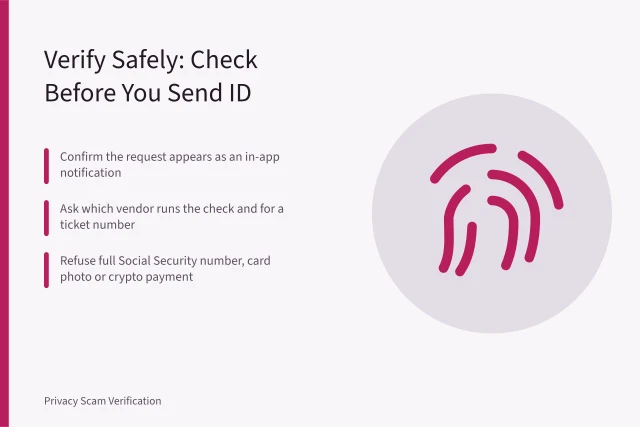
- Reach the process yourself. Type the address or use your saved bookmark rather than following a link that arrived.
- Check what is being asked for against what the decision needs. A payout check does not need your employer, and an age check does not need your full document.
- Send documents inside the service's own upload flow, never by email, message, or chat, since those copies persist in places nobody manages.
- Cover what is not needed. Where a service asks for a document image to confirm a name and date, other numbers on it can often be obscured, and it is reasonable to ask what they require.
- Keep a note of what you sent, to whom, and when. This is dull and it is the record you will want if anything goes wrong later.
- Never share a one-time code, and never approve a sign-in prompt you did not trigger. That is not verification, and the reasoning is in account security.
The four requests to refuse
These are settled without any judgment about the organization.
Four Requests to Refuse
- A payment to be verified
- A one-time code
- A password or a login
- Remote access or installed helper
A payment to be verified. Verification is a cost the service carries. A fee to be checked, to release funds, or to upgrade an account is a payment request wearing a form.
A one-time code. A code proves you are you to the service that sent it, and it is never proof to another person. Anyone asking for one is at a sign-in screen right now.
A password or a login. No verification process needs your credentials for another service, including your bank or your email.
Remote access or an installed helper. A request to install something so that somebody can assist you through the process hands over everything typed on the device afterwards.
Where any of these has already happened, treat it as an account compromise rather than a verification problem, and the sequence is in reporting and recovery.
When the request is real and the route is wrong
This is the common middle case, and it has a simple resolution.
Your bank genuinely does need to re-verify you, and the message you received about it may still be fraudulent. Both can be true. Do not try to settle which. Close the message, go to the organization through a route you already had, and complete the process from there. Nothing is lost by doing it twice.
Organizations that are hard to reach make this harder, not impossible: the number on a card, a statement, or a signed contract predates the message and is therefore usable.
What verification actually proves
Worth being honest about, because it explains why some checks feel pointless.
A document check proves a document was presented, and a liveness check proves somebody was present at that moment. Neither proves the person holding the account today is the person checked at sign-up.
An account with a verified badge tells you much less than people assume. The limits of that industry, and what they mean when you deal with a stranger, are set out in identity verification.
The standards side is published by the National Institute of Standards and Technology's work on identity and access management, for anyone who wants the underlying model. The general shape of the industry is described in the Wikipedia article on identity verification services.
Common questions
A message says my account will be closed unless I verify today. What do I do?
Ignore the deadline and go to the app or the number you already have. Genuine closures are not decided by a message with a countdown in it.
Is it safe to send a photograph of my passport at all?
Inside a service's own upload process, for an account you opened, usually yes. By email or chat, no, because the copy persists where nobody is responsible for it.
A platform wants a selfie with my document. Do I have to?
Not necessarily, and you can ask what alternative exists. Weigh what the account is worth to you, since that image is a permanent addition to your exposure.
Someone I met online asked me to verify myself on a site they linked. Is that ever legitimate?
No. Verification steered to you by the person asking for your trust is a collection method, and the situations are described in catfishing.
What if I already sent documents to a fake process?
Nothing of yours has been broken into, so this is monitoring rather than emergency. Watch for accounts opened in your name, keep the record of what was sent, and expect a better-informed approach later.